
Self-Host OpenShorts (Docker & GPU) vs Focalreel Online — Complete Guide
Detailed comparison of self-hosting OpenShorts (MIT) with Docker on CPU or NVIDIA GPU versus running Focalreel Online on managed cloud GPUs with one-time minute packs.
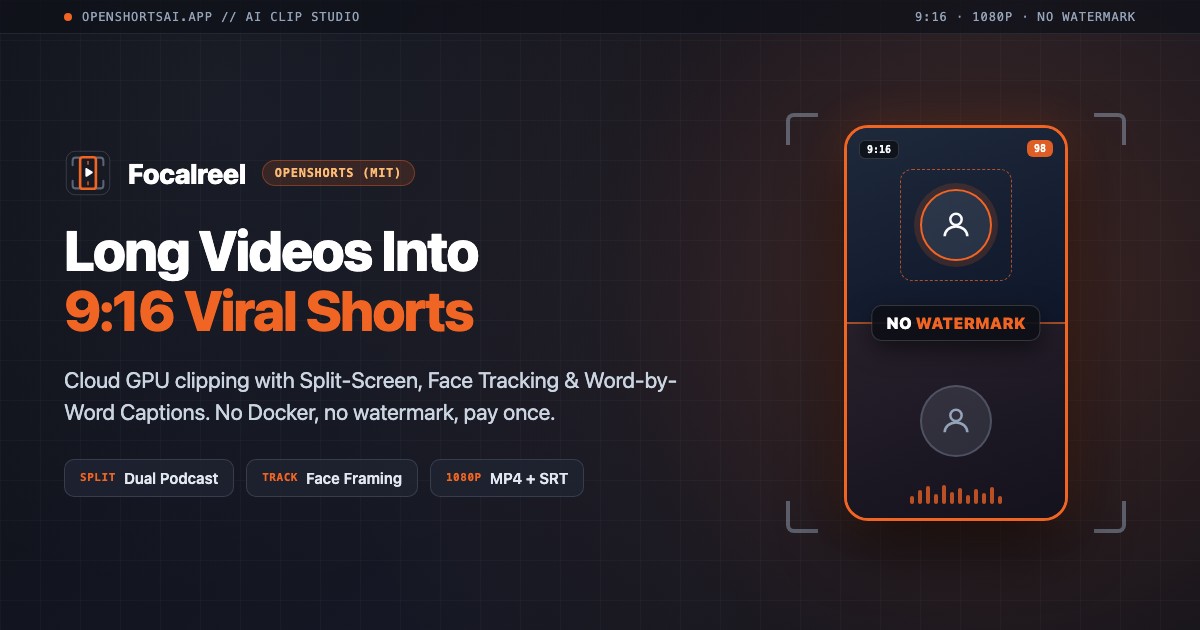
Two Ways to Run OpenShorts (MIT)
OpenShorts is one of the most capable open-source AI video clippers under the MIT license—turning long YouTube videos, podcasts, and screencasts into vertical 9:16 shorts with scene detection, active face tracking, and word-level captions.
Because the core engine is open source, you have two main paths: self-host it with Docker on your own hardware, or run it online with Focalreel (openshortsai.app) on managed cloud GPUs with zero setup. Here is an honest, technical breakdown of both options.
Side-by-Side Comparison: CPU vs NVIDIA GPU vs Focalreel Online
| Dimension | Self-Host (Docker + CPU) | Self-Host (Docker + NVIDIA GPU) | Focalreel Online (openshortsai.app) |
| :------------------------- | :----------------------------------------------------- | :------------------------------------------------------ | :---------------------------------------------------- |
| Setup & dependencies | 30–60 min (docker compose, FFmpeg, Python, API keys) | 45–90 min (+ NVIDIA drivers, CUDA, Container Toolkit) | 0 minutes — open browser and upload |
| Hardware required | 8 GB+ RAM, multicore CPU | 8 GB+ RAM + NVIDIA GPU (8 GB+ VRAM, e.g., RTX 4060) | Any Mac, Windows laptop, or tablet |
| Speed (8-min video) | Slow (~5–8 min) | Fast (~1 min with NVENC + CUDA) | Fast (cloud GPU, no local fan noise) |
| Speed (1–2 hr podcast) | Very slow (ties up local CPU) | Fast, depends on VRAM | Offloaded to cloud GPUs |
| API keys & billing | Bring & manage your own Gemini / OpenAI / ASR keys | Bring & manage your own Gemini / OpenAI / ASR keys | All-inclusive — zero API keys needed |
| Data privacy | 100% local (can pair with local LLM) | 100% local (can pair with local LLM) | Encrypted upload + cloud processing |
| Cost | $0 software + electricity + LLM API fees | $0 software + GPU hardware + electricity + LLM API | 10 free min, then $9 / 60 min (never expires) |
| Failure handling | Inspect Docker logs & restart containers | Debug CUDA/VRAM OOM & restart containers | 100% automatic minute refund + 1-click retry |
What Self-Hosting OpenShorts Actually Involves
Self-hosting looks free on paper, and if you already run a Linux homelab or Windows gaming PC with an NVIDIA GPU, it is genuinely rewarding. Still, it helps to know the real operational checklist before committing:
- Docker & GPU passthrough: On CPU-only machines (including Apple Silicon Macs, which cannot pass Metal GPUs into Linux CUDA containers),
faster-whispertranscription and FFmpeg software encoding run on CPU—meaning an 8-minute video can take 5–8 minutes, and a 90-minute podcast can peg your fans for well over an hour. To get ~1-minute turnaround locally, you need an NVIDIA GPU with CUDA +nvidia-container-toolkitproperly configured. - External LLM & API key management: Moment scoring and hook generation require configuring an LLM provider (such as a Google Gemini API key or running a local model via Ollama/LM Studio with enough VRAM).
- YouTube & format edge cases: Self-hosters occasionally run into
yt-dlpupdates, codec quirks, or container OOM errors on 4K source files and have to maintain updates themselves.
What Focalreel Online Adds on Top
Focalreel runs the OpenShorts (MIT) pipeline on dedicated cloud GPUs so you get the output quality without the infrastructure overhead:
- Zero Docker, CUDA, or API keys: Paste a public YouTube link or upload MP4/MOV/WebM up to 2 GB from a MacBook, iPad, or travel laptop.
- All 4 framing modes + Pro Mode: Choose
AUTO,TRACK(face tracking),SPLIT(dual-speaker podcast split screen), orSCREENCAST(screen + webcam PiP), plus Pro Mode pause/filler removal, burned-in word-by-word captions, and hook lines. - Watermark-free MP4 + SRT downloads: Every clip exports in clean 1080p MP4 alongside its
.srtsubtitle track. - One-time minute packs, never a subscription: Start with 10 free minutes, then top up only when you need more (Starter $9 / 60 min, Creator $24 / 240 min, Studio $59 / 720 min). Minutes never expire, and failed jobs automatically refund 100% of your minutes.
Decision Framework: Which Should You Choose?
Choose Self-Hosted OpenShorts if:
- You already own a workstation or server with an NVIDIA GPU (8 GB+ VRAM).
- You have strict compliance or air-gapped privacy rules where raw footage cannot leave your local network.
- You want to fork the Python pipeline, customize prompts in code, and process high volumes every day at raw API + electricity cost.
Choose Focalreel Online if:
- You edit on a MacBook, thin-and-light laptop, or mobile device without a local NVIDIA GPU.
- You want
SPLIT,TRACK, andSCREENCAST9:16 shorts in minutes without touching Docker, CUDA, or API keys. - You prefer predictable one-time minute packs over monthly subscriptions or maintaining your own server.
Ready to skip Docker setup? Try Focalreel Cloud Clipper with 10 free minutes, or check One-Time Minute Packs.